


5s · 9:16
Image to video01 / 08
Pleated Skirt · Terrace Steps
Compact side steps, graceful arm movement, and a light turn with a locked camera and full-figure framing.
Sign in to claim 100 free credits and start creating with the models available today
Real image-to-video output
Explore eight vertical image-to-video examples, each 5–8 seconds long. Watch how movement, fabric, and light develop around the original portrait.
Official Wan 3.0 showcases
These official Wan examples explore reference-based creation, longer storytelling, visual continuity, synchronized sound, and video editing.
Combine image, video, audio, document, and webpage context to guide one coherent generation.
Wan 3.0 at a glance
Plan a complete sequence with flexible duration, visual and audio references, and a choice of output resolutions.
Create a sequence in a single generation
Combine up to 10 images, 5 videos, and 5 audio clips
Generate detailed video with synchronized sound
What is Wan 3.0?
Wan 3.0 brings text-to-video, image-to-video, frame control, and multimodal references into one creative workflow. Describe the scene, add the details that matter, and direct picture and sound together.
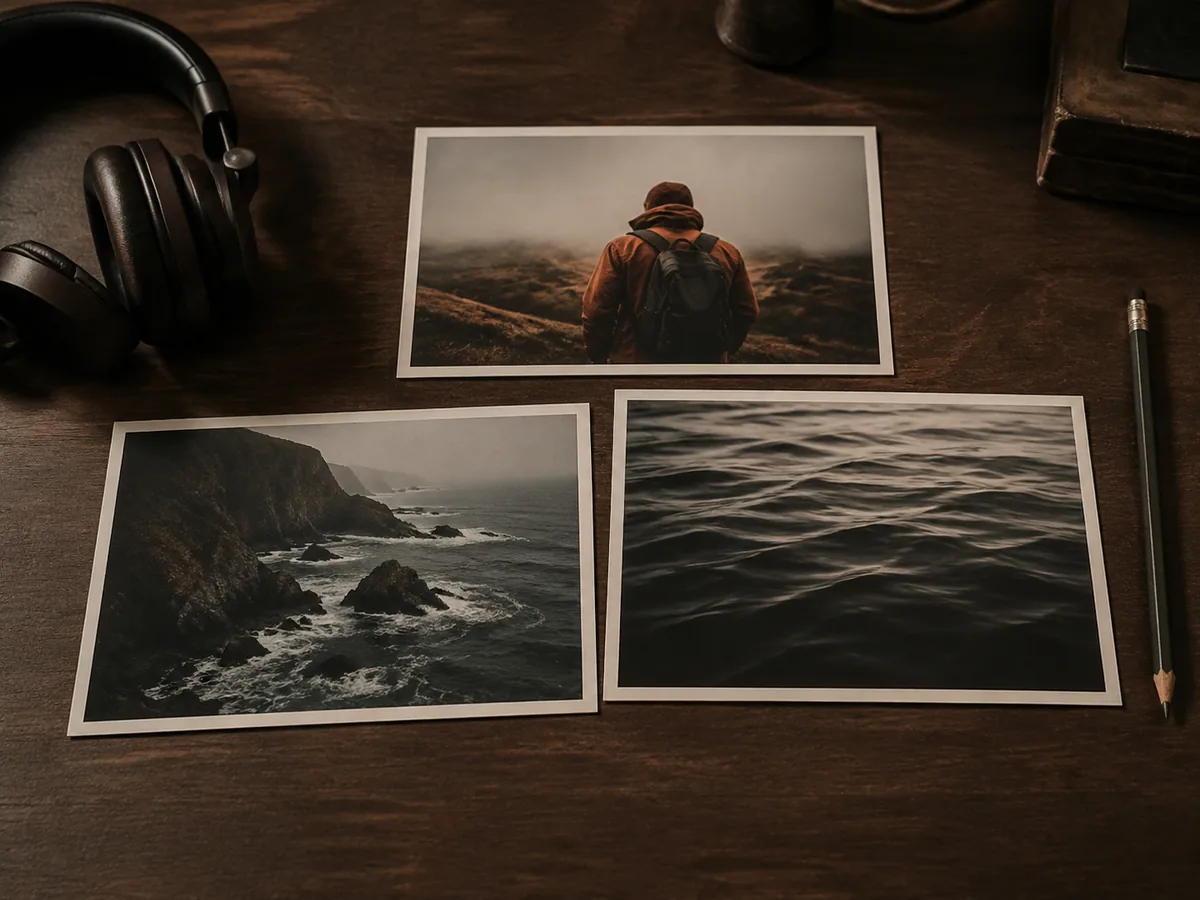
Use up to 30 seconds for an opening, a change of pace, and a closing moment. Describe the shot order so each scene has a clear purpose.
Add images for appearance, videos for movement, and audio for sound. Explain what each reference should contribute to the final sequence.
Start from an image or provide both endpoints to guide the transition. Describe how the subject and camera should move between them.
Include dialogue, music, and ambient sound in your prompt to generate synchronized audio alongside the visuals.
Core capabilities
A useful prompt gives Wan 3.0 a subject, a setting, and a reason for the scene to move. References help make those choices more specific.
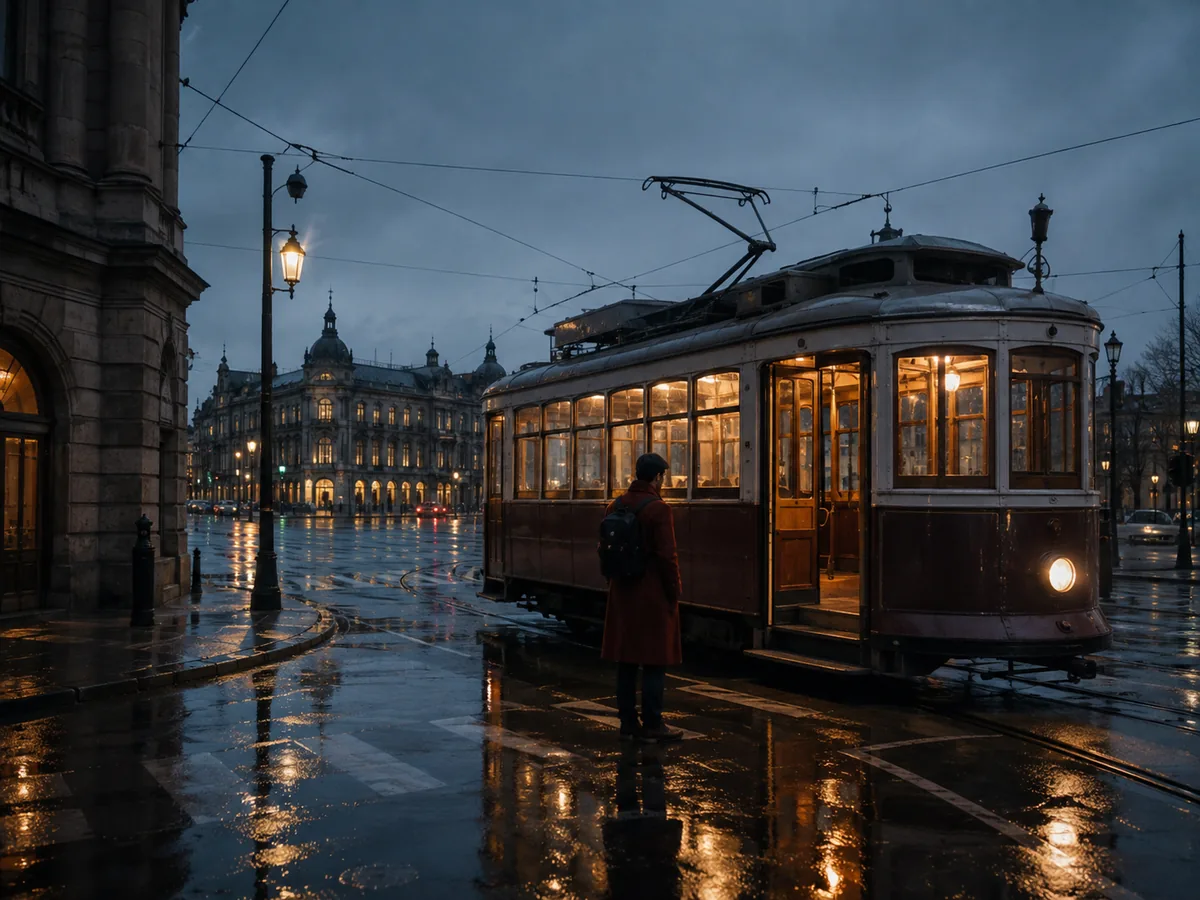
Set the opening image, describe the key action, and decide how the sequence ends. Add timing, camera direction, dialogue, and ambience where they help tell the story.

Use references to define a character, a product, or a location. Name the details to preserve as the pose, viewpoint, and scene change.
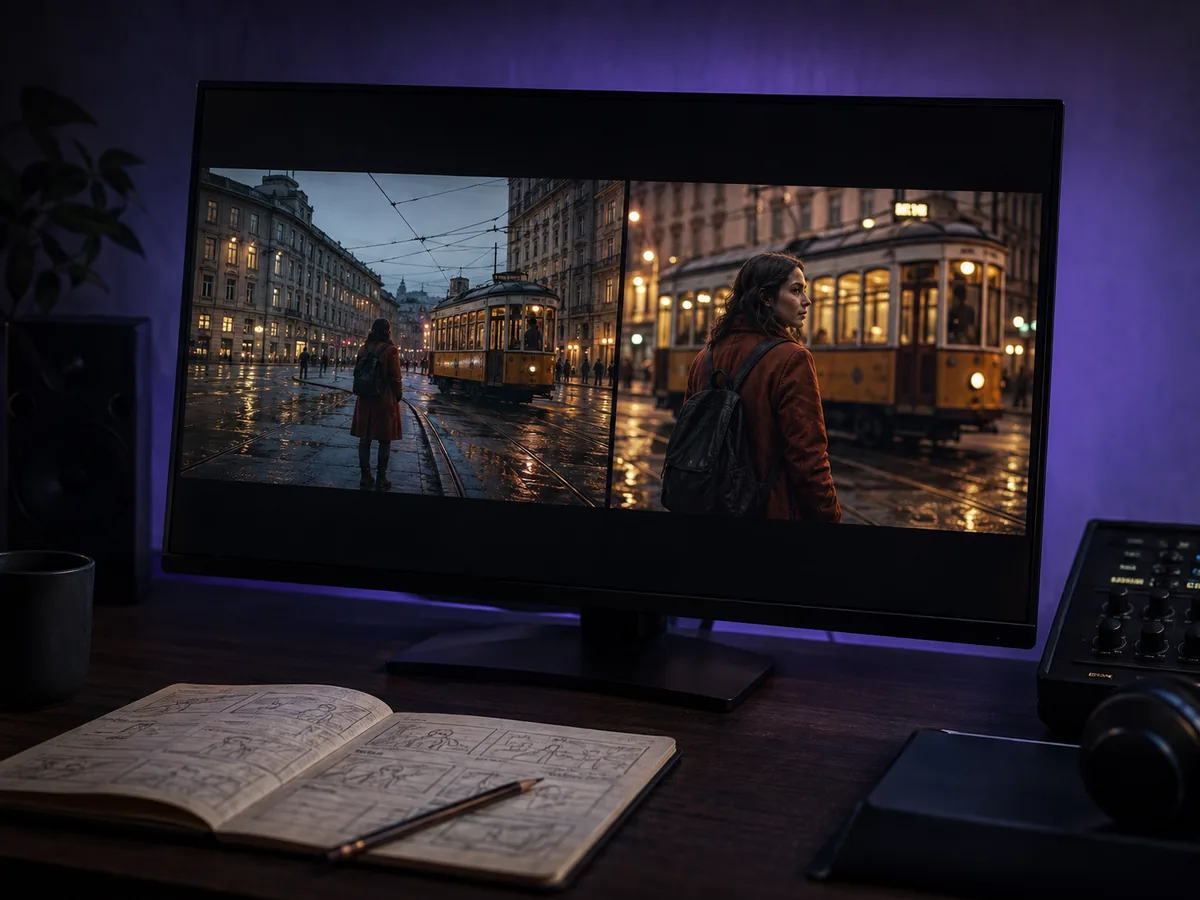
Review the first result, identify the movement or visual detail to improve, and adjust the prompt or references for another take. Keep the directions that already work.
How Wan 3.0 works
Start with a simple scene, make a few deliberate choices, and refine the result as you go.
Select Wan 3.0 and start with a text prompt, an image, first and last frames, or multimodal references.
Explain the subject, setting, action, and camera. If you add references, state what each one should guide.
Choose the available output settings, include any sound direction, and review the credit cost before generating.
Play the result, check the motion and audio, and adjust your direction if needed. Download the take you want to use.
Production use cases
Explore a visual idea, test a campaign direction, or develop a short sequence before committing to a larger production.
Turn a scene outline into connected shots. Explore character movement, mood, and pacing for a short film or story concept.
Use product references to explore reveal shots, lifestyle settings, and different camera movements for a campaign.
Animate a portrait, build a vertical story, or try different openings for a short-form video. Choose a format that fits your channel.
Pair a visual direction with sound to explore a music-video scene, a destination story, or a mood-driven sequence.
Wan 3.0 FAQ
Learn what you can create, which references to prepare, and how to choose settings for your first video.
Wan 3.0 is an AI video generation model for creating videos from prompts, images, and multimodal references. On this site, you can use text-to-video, image-to-video, first and last frame control, and reference-based generation with native audio.
The standard Wan 3.0 model supports videos from 2 to 30 seconds in a single generation. Choose the duration in the workspace and check the credit estimate before submitting.
Multimodal reference mode accepts up to 10 images, 5 video clips, and 5 audio clips, with a combined maximum of 20 references. Frame-control modes use separate inputs for a first frame or first and last frames.
Yes. Wan 3.0 supports native audio generation. Describe the dialogue, music, or sound effects you want alongside the visual action, then review how the sound and picture work together in the result.
The standard Wan 3.0 model offers 480P, 720P, and 1080P. Select the resolution and aspect ratio available for your chosen model and mode; these settings also affect the credit cost.
Select an image-based mode, upload your starting image, and describe the movement you want. You can also provide a final frame to guide the endpoint. Be specific about subject motion, camera movement, and what should stay consistent.
Begin with a focused scene and clear references. Describe the action in order, avoid conflicting directions, and refine one important detail at a time. Review faces, hands, text, motion, and audio before using the final video.
Yes. Select Wan 3.0 in the workspace, enter your prompt, and add any supported references. Sign in, choose your settings, and review the required credits before starting a generation.
Choose monthly or annual credits for regular Wan 3.0 video creation, or a one-time pack for a specific project. Compare the plans below and check the exact generation cost in the workspace.
Cancel anytime
What's included
Everything in Starter, plus
Everything in Pro, plus
Your next scene starts here
Bring a prompt, a reference image, or a scene you want to explore. Give the movement a direction and see your first take.