
4–30 seconds at up to 1080p
Choose 480p, 720p, or 1080p. The longer window gives a campaign scene, music visual, or narrative sequence room to establish, change, and resolve.
Build a complete 4–30 second sequence from text and multimodal references. Direct actions, cuts, camera moves, and audio by time range while keeping characters and locations connected across the story.
Seedance 2.5 multimodal video
Seedance 2.5 is the quality-first option for connected sequences. Its longer duration and larger reference allowance suit work where subject continuity, planned timing, coordinated sound, and a deliberate ending matter more than the quickest draft.
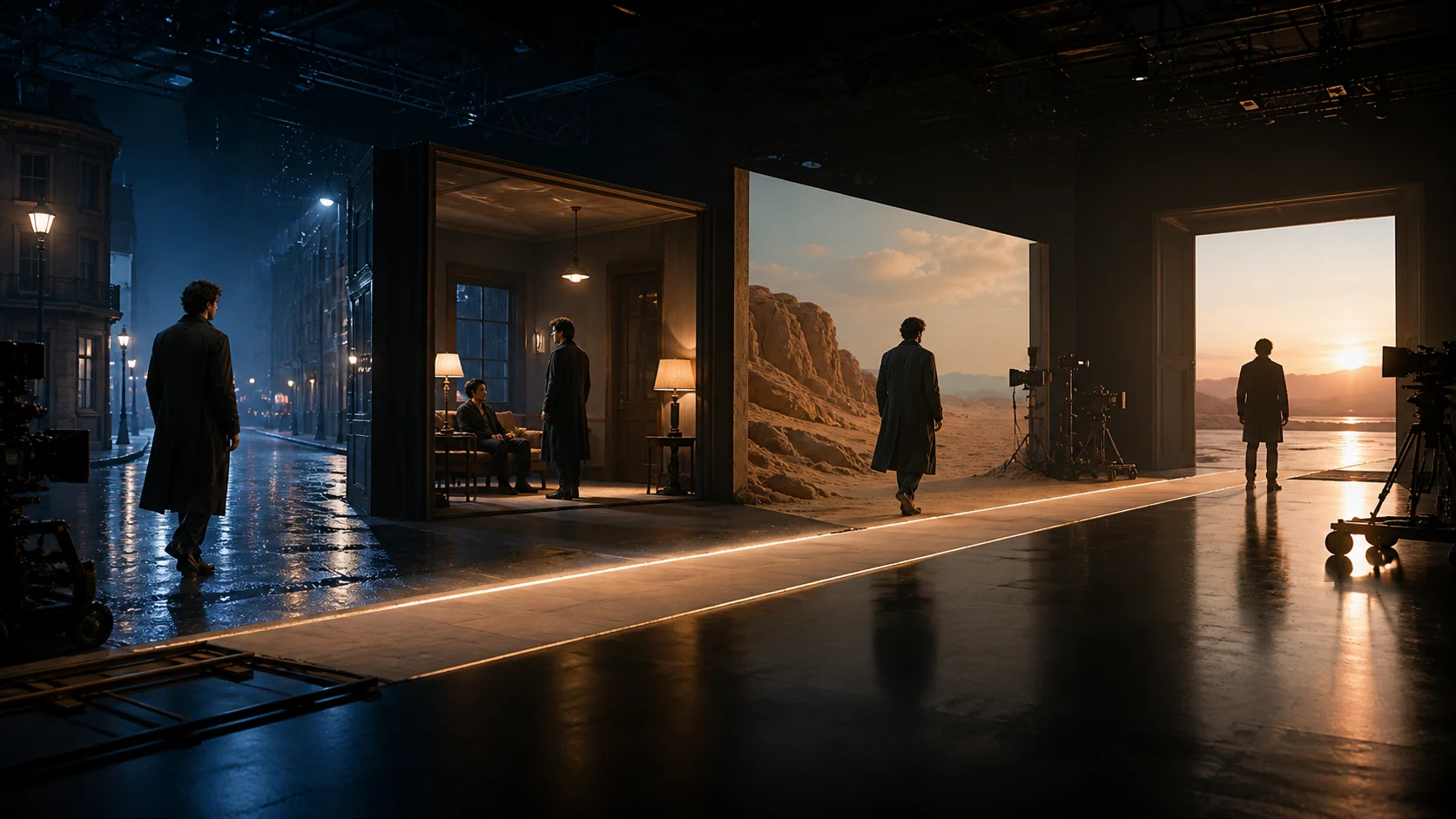
Assign one visible action, one camera decision, and one audio purpose to each time range.
Choose 480p, 720p, or 1080p. The longer window gives a campaign scene, music visual, or narrative sequence room to establish, change, and resolve.
This workspace accepts up to 30 images, 10 videos, and 10 audio files. Use them selectively for identity, wardrobe, location, motion, composition, voice, or rhythm.
Divide the prompt into time ranges so actions, camera moves, transitions, dialogue, and effects happen in a readable order.
Generate ambience, effects, music, or dialogue with the visuals and place each cue next to the story beat it should support.
Seedance 2.5 use cases
Seedance 2.5 is best reserved for ideas that benefit from connected shots, consistent subjects, reference-led art direction, and sound that evolves with the sequence.
Plan entrances, gestures, camera changes, and a clear final image while preserving the lead subject and visual rhythm from beat to beat.
How to use Seedance 2.5
Longer generations need hierarchy. Set the story arc, choose only useful references, divide the timeline, and review continuity as a production task.
01
Write the opening image, the change that drives the scene, the main reveal, and the final composition before adding stylistic detail.
02
Identify which asset controls the person, wardrobe, location, motion, framing, light, voice, or pace. Remove files that do not change the brief.
03
Use ranges such as 0–5s, 5–13s, and 13–20s, with one main action, camera move, and sound cue in each.
04
Inspect faces, clothing, props, spatial logic, light direction, screen direction, and audio timing before delivery.
Seedance 2.5 prompt guide
Start with the global visual rules, map the sequence by time, assign every reference, and finish with the continuity constraints that apply to the full video.
20-second Seedance 2.5 prompt example
GLOBAL — 16:9 cinematic realism, restrained color, natural motion. Preserve the lead from @Image 1 and the station from @Video 1. 0–5s — Close-up, slow push through rain. The lead looks toward the station clock. Footsteps and distant traffic. 5–13s — Track beside the lead entering the crowd. Keep face, coat, and light direction stable. No cut. 13–20s — Arc into a wide reveal of the departing train and hold the final silhouette. Music rises softly. No text, subtitles, or extra lead characters.
Set global format and visual language
Define aspect ratio, duration, realism, palette, light, lens behavior, and overall pace once at the top.
Give every time range one main event
State the action, shot size, camera movement, transition, and audio event in the order the viewer will experience them.
Connect references to specific decisions
Name which file controls identity, motion, composition, material, voice, or rhythm instead of asking the model to infer its role.
Apply continuity rules across the sequence
List what cannot change and exclude identity drift, extra subjects, abrupt cuts, altered logos, unwanted captions, or uncontrolled music.
Seedance model comparison
Compare what changes the result in this workspace: resolution, duration, reference allowance, relative credits, and whether the priority is exploration, review, or final quality.
Seedance model selection
Use 2.5 for a longer, reference-rich sequence that needs planned timing and a coherent ending. Use Mini or Fast when the immediate goal is to test more short options or reach a review decision sooner.
Create 4–30 second stories at up to 1080p with large reference sets, timestamped direction, and native audio.
Create with Seedance 2.5Test hooks, framing, and prompt structure with short, lower-credit variations before moving the proven direction into a longer 2.5 run.
Compare Seedance 2.0 MiniDense crowds, small text, complex contact, and several simultaneous actions can still weaken stability. Simplify a difficult beat instead of adding more instructions.
Seedance 2.5 FAQ
Answers about 30-second generation, reference limits, resolution, native audio, character continuity, and choosing a faster Seedance model.
Seedance 2.5 is suited to longer, continuity-sensitive video that uses text plus image, video, or audio references. Typical work includes narrative scenes, campaign sequences, and detailed previsualization.
Choose any duration from 4 to 30 seconds and generate at 480p, 720p, or 1080p in supported landscape, portrait, square, and wider formats.
This workspace accepts up to 30 images, 10 videos, and 10 audio files. A smaller set with clearly assigned roles is often more useful than many unrelated files.
Seedance 2.5 prioritizes longer duration, 1080p, larger reference sets, and detailed timeline control. Fast prioritizes lower latency; Mini prioritizes lower credit use for short variations.
Use a clean identity reference, repeat the attributes that must not change, keep each timed beat simple, and review face, wardrobe, scale, lighting, and screen direction at every transition.
Create a longer Seedance 2.5 video
Choose the duration, map each story beat, assign every reference a role, and generate a longer video with coordinated picture and sound.