
Lower-latency generation
Use Fast when turnaround affects the value of the work: client previews, timely campaigns, motion tests, and frequent publishing.
Shorten the path from prompt to creative decision. Generate 4–15 second video at 480p or 720p from text or reference media, with directed camera movement and native sound.
Seedance 2.0 Fast for lower latency
Fast is the accelerated Seedance 2.0 option for short feedback loops. It keeps multimodal controls and native sound so a quicker result can still answer real production questions about framing, motion, timing, and tone.
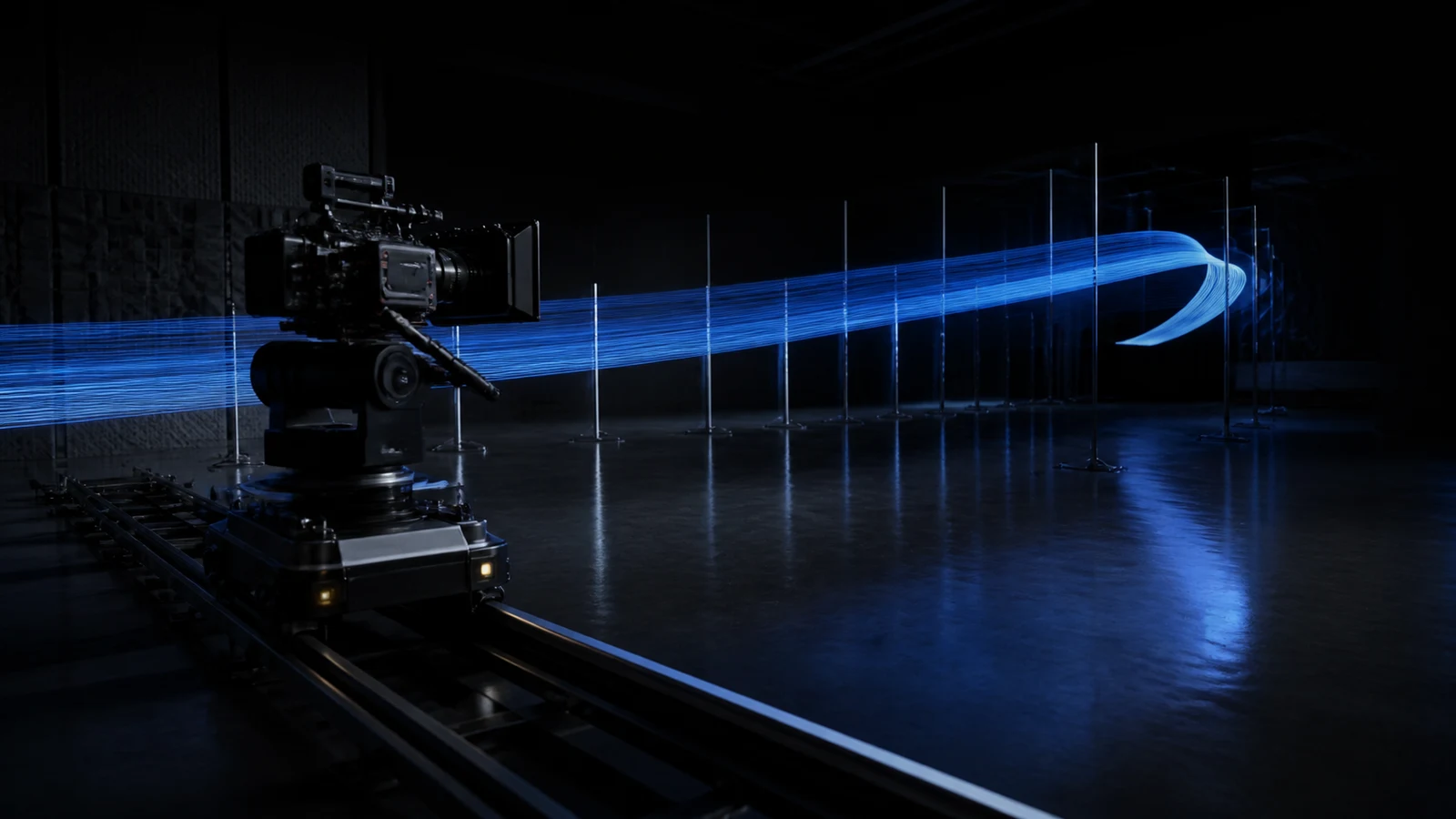
Define the acceptance criterion before generating so faster output leads to a faster decision.
Use Fast when turnaround affects the value of the work: client previews, timely campaigns, motion tests, and frequent publishing.
Create from text, frame inputs, or image, video, and audio references in a supported mode that matches the decision you need to make.
Test framing, camera path, pace, ambience, effects, and music together instead of reviewing motion and audio as separate ideas.
Supported workflows accept up to 9 image, 3 video, and 3 audio references. Use Standard or 2.5 when a higher output resolution is required.
Seedance 2.0 Fast use cases
Fast suits creative work that needs a result people can judge now: preview the idea, collect feedback, revise the brief, and either publish or advance the approved direction.
Show composition, camera movement, atmosphere, and pace in one compact clip that clients and collaborators can evaluate directly.
How to use Seedance 2.0 Fast
Lower latency is useful only when the output answers a clear question. Decide what must be proven, keep the brief controlled, and judge the result against visible criteria.
01
State whether the round must prove identity, action, framing, pace, sound, or final composition.
02
Give each image, clip, and audio file one job. Remove assets that add atmosphere but do not control the result.
03
Select the target aspect ratio and review near the actual display size; a vertical post and a widescreen presentation require different framing.
04
Keep the Fast output when it passes review. Move only resolution-sensitive, high-visibility, or longer continuity shots to Standard or 2.5.
Seedance Fast prompt guide
Lead with the subject and action, then specify the camera, timed proof point, sound, final composition, and the errors that would make the result unusable.
12-second Seedance 2.0 Fast prompt example
FORMAT — 16:9, 12 seconds. Preserve the red tram from @Image 1 and the hillside route from @Video 1. ACTION — Track beside the tram through light morning mist, then rise into a wide reveal at 9 seconds. CAMERA — Stable lateral tracking, one continuous move. AUDIO — Wheels on rail, soft wind, restrained cinematic rise. FINISH — Hold the tram in the lower-left. No text, crowds, shake, or abrupt cuts.
Name the visual anchor and action
Identify what viewers should follow and the one movement the review depends on.
Make the camera behavior measurable
Describe direction, speed, shot-size change, stabilization, and whether cuts are permitted.
Place the proof point in time
Say when the reveal, transition, contact, line, or product moment should occur.
Define acceptance and rejection criteria
Set the final composition and list continuity errors, extra elements, unwanted text, or audio problems that would invalidate the result.
Seedance model comparison
Compare what changes the result in this workspace: resolution, duration, reference allowance, relative credits, and whether the priority is exploration, review, or final quality.
Seedance model selection
Fast is for lower latency, not the lowest credit use or the longest sequence. Use it when shortening the create-review-revise loop produces real value.
It fits client previews, responsive campaigns, frequent publishing, camera tests, and iterative production where turnaround is part of the brief.
Create with Seedance 2.0 FastMini uses fewer credits and suits prompt exploration or larger sets of controlled variations that do not depend on the accelerated Fast balance.
Compare Seedance 2.0 MiniInspect hands, faces, logos, object continuity, contact, transition boundaries, and audio timing. A faster result still requires a human quality decision.
Seedance 2.0 Fast FAQ
Answers about speed, supported inputs, reference limits, duration, resolution, native audio, and the difference between Fast and Mini.
Fast is the accelerated Seedance 2.0 variant for lower-latency generation. It suits previews, time-sensitive creative, motion tests, and workflows built around frequent review.
Create 4–15 second video at 480p or 720p in supported landscape, portrait, square, and wide formats.
Yes. Supported workflows accept up to 9 images, 3 videos, and 3 audio files, in addition to text and frame-guided creation.
Fast targets lower latency for production review. Mini uses fewer credits and is better when the goal is to test a larger number of controlled options. Both support 4–15 seconds at 480p or 720p.
Choose 2.5 when the video needs more than 15 seconds, 1080p output, a much larger reference set, or detailed continuity direction across a complete sequence.
Create a Seedance Fast preview
Set one review goal, add only decisive references, and generate a 4–15 second video with directed movement and native sound.